CLI + CI/CD ready
Publish assets manually during development or automate uploads inside your release pipeline. Smooth CDN fits into your existing workflow instead of forcing a new deployment process.
Upload assets once, let Smooth CDN optimize them, keep URLs stable, collaborate with your team, and deliver files through a CDN without building a custom asset pipeline.

Workflow
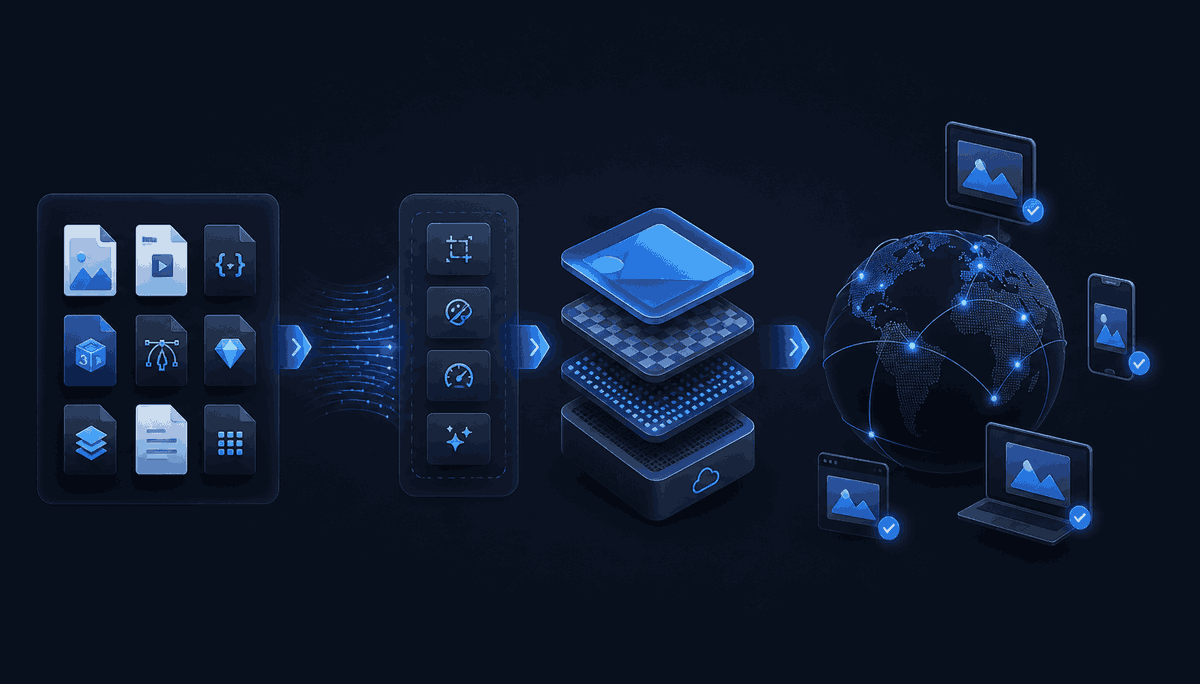
Smooth CDN connects the steps that are usually handled by separate tools: uploading, optimization, versioning, access control, collaboration and CDN delivery.
Who this is for
Asset workflow
Smooth CDN is not only CDN storage. It is a workflow for preparing frontend assets before delivery: optimization, stable URLs, versioning, optional protection, desktop sync and team access.
The CDN is the delivery layer. The asset workflow is the product.
Publish assets manually during development or automate uploads inside your release pipeline. Smooth CDN fits into your existing workflow instead of forcing a new deployment process.
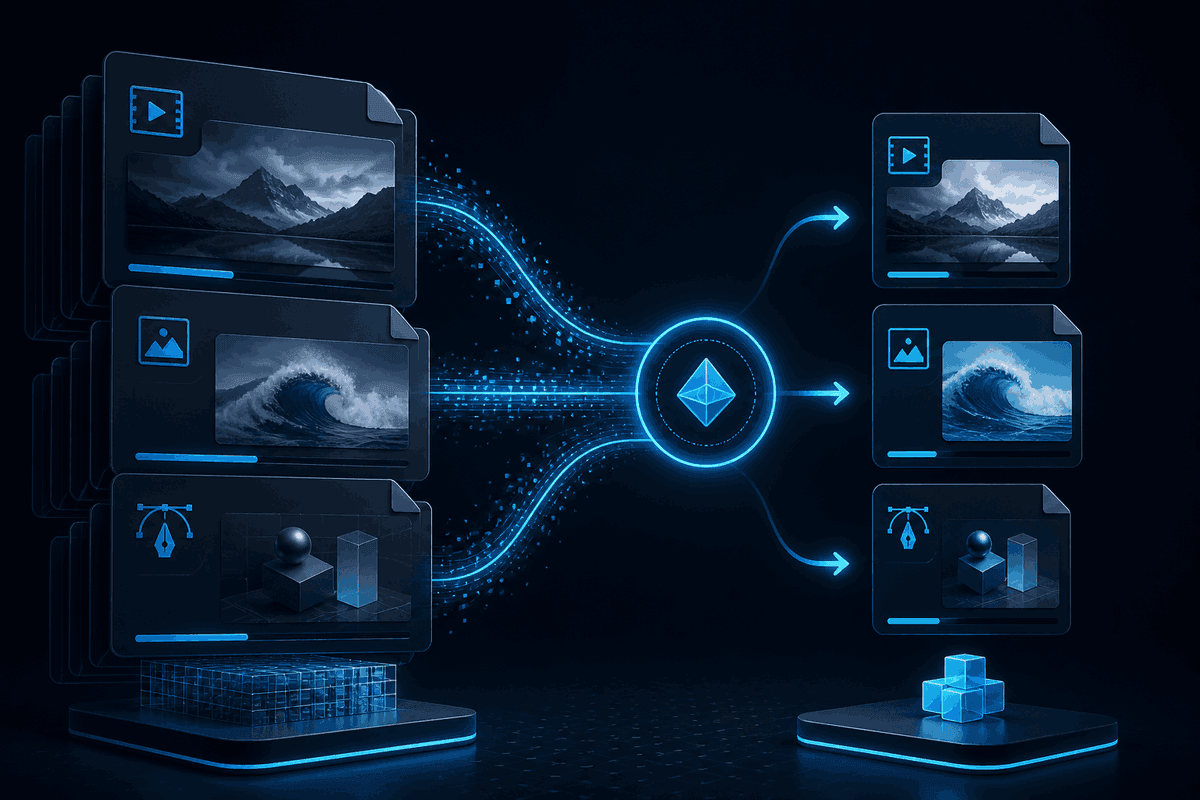
Reduce file weight without adding another image, CSS, JS or PDF optimization step to your build process.
Use predictable URLs in apps, templates, CMS fields and metadata while Smooth CDN handles optimized delivery behind the scenes.
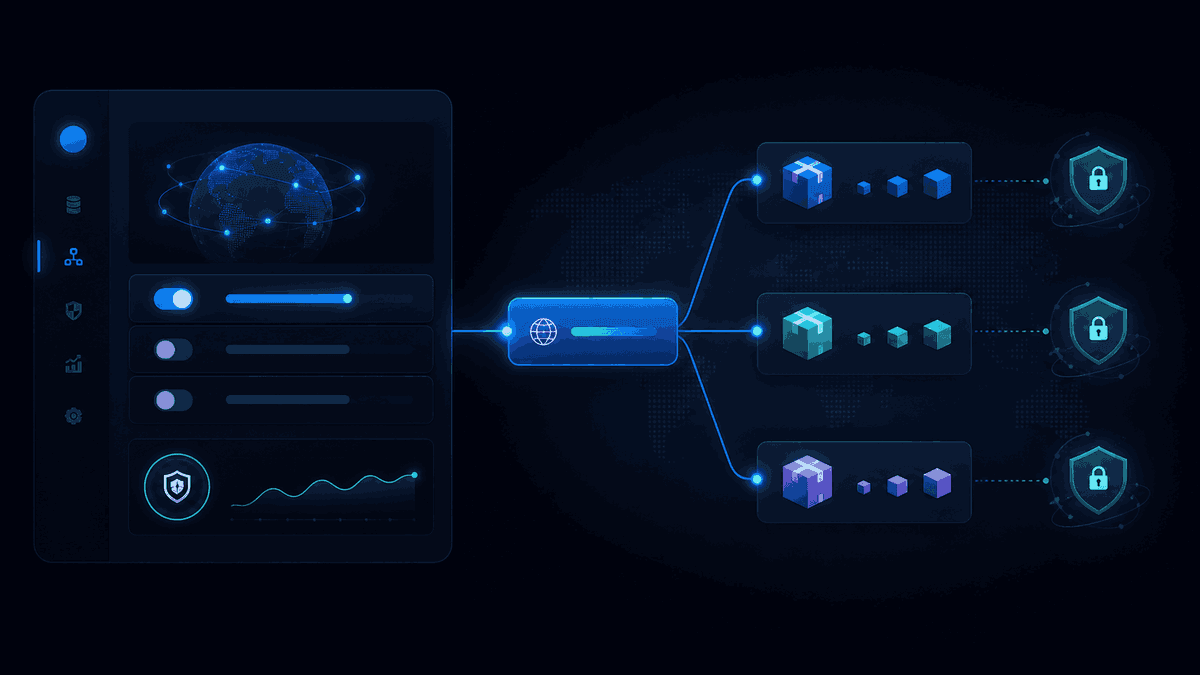
Let designers, developers or content teams work with project assets without sharing one account or giving everyone full owner access.

Main features
Each feature supports one stage of the same workflow: getting files from raw source assets to optimized, stable, CDN-ready URLs.
Publish assets manually during development or automate uploads inside your release pipeline. Smooth CDN fits into your existing workflow instead of forcing a new deployment process.
Sync local folders to Smooth CDN so asset updates can happen from the desktop, not only from the browser or CI/CD.
Reduce file weight without adding another image, CSS, JS or PDF optimization step to your build process.
Use predictable URLs in apps, templates, CMS fields and metadata while Smooth CDN handles optimized delivery behind the scenes.
Group assets into release packages when you need predictable rollouts, rollback paths or staged delivery.
Keep public assets simple, but protect selected files when downloads should require controlled access.
Let designers, developers or content teams work with project assets without sharing one account or giving everyone full owner access.
Use Smooth CDN with Next.js, WordPress, Strapi or custom backends when asset delivery needs to fit your current stack.
Desktop workflow
Smooth CDN Connect is the desktop app for moving files from your computer into Smooth CDN. Pick local assets, sync changes, and use CDN URLs after optimization without turning every update into a manual upload.
Use this when asset work does not happen only inside Git or CI/CD. Designers, content teams and developers can sync local folders and still use the same optimized CDN delivery workflow.
01
Work from a desktop folder instead of uploading each asset through a browser.
02
Send changed files to Smooth CDN so they can be optimized and served from stable URLs.
03
Copy CDN-ready links into apps, content, releases, or handoff notes after the upload pipeline prepares the files for delivery.
Upload your first assets, get optimized CDN URLs, and add automation, versioning, protection or collaboration when your project needs them.